
The home for onchain AI trading, automation, and research
A quant in your pocket
Wayfinder researches, monitors, and trades across Hyperliquid, Polymarket, and 14 chains, and keeps working when you close the tab.
- DeepSeek V4
- GLM-5.3
- Kimi K3
- GPT-5.6
Everyone else gives you a chat window. You get a machine
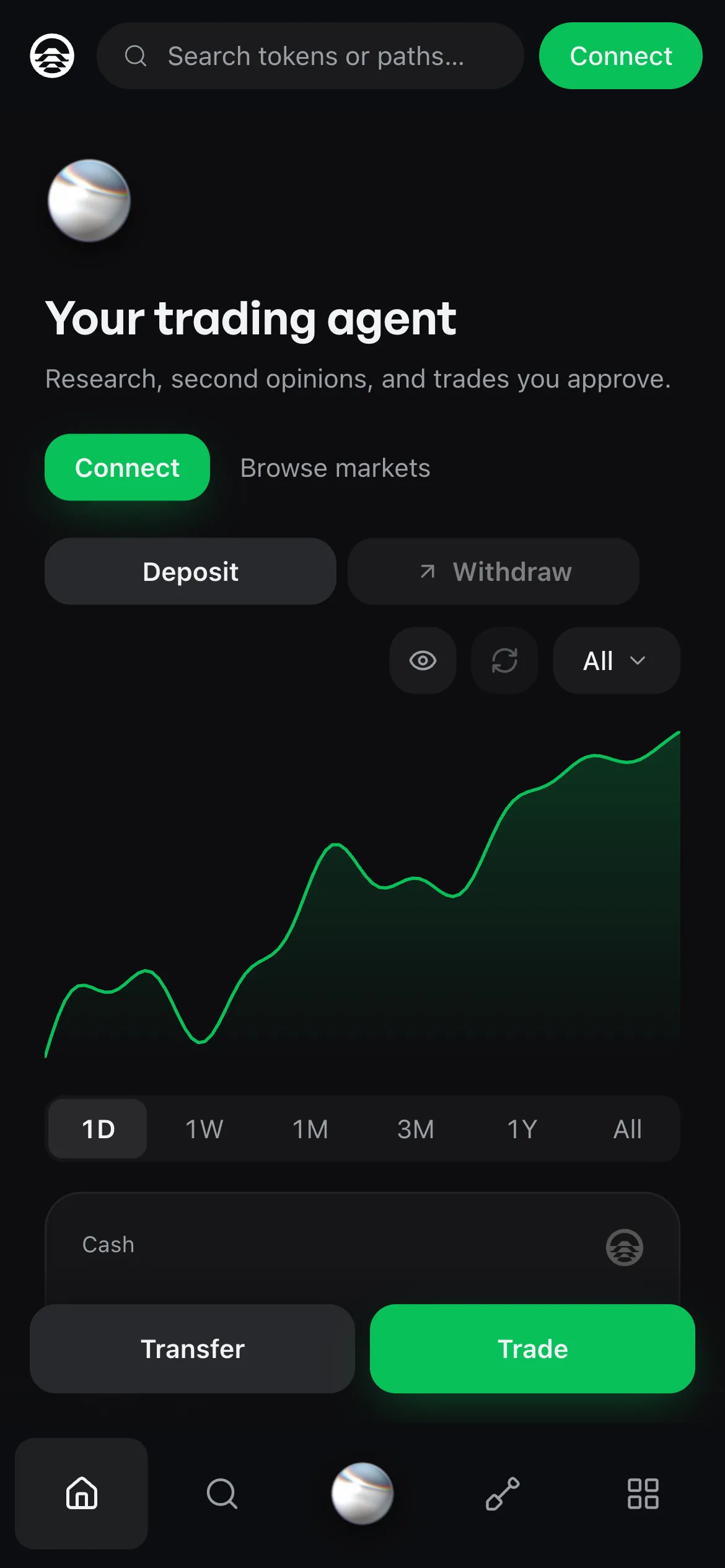
Your agent lives on its own machine, so closing your laptop doesn't stop it.
On Free, the machine suspends after about 15 minutes of inactivity. Pro keeps it on 24/7.
Ask anything, get the reasoning
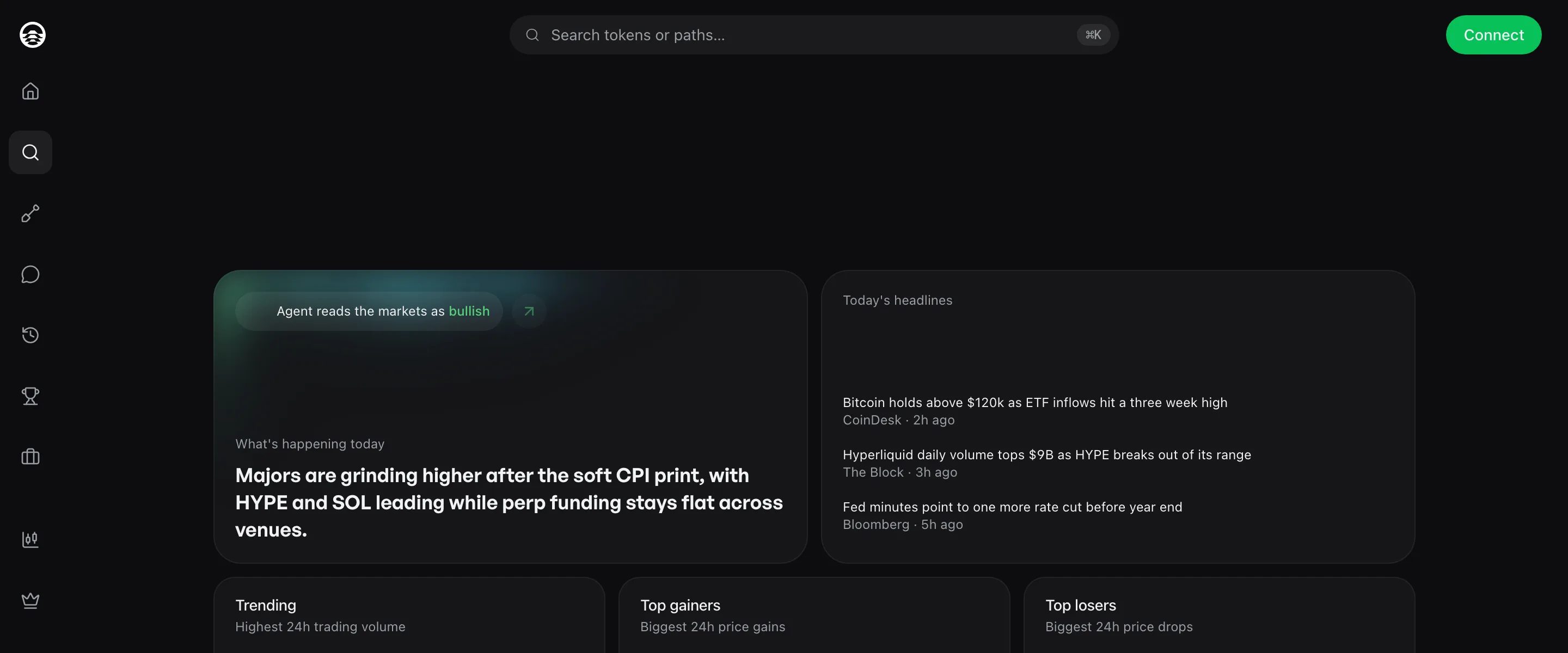
Any token, any market. Your agent digs in, cites where the numbers came from, and charts it. Ask for a gut check before you size up and it argues the other side.
Tell it what to watch
Funding flips at 4am. An unlock lands mid-meeting. Set up price and position alerts, DCA, rebalancing, or a health-factor watch with one message, and your agent texts or emails you when something needs you.
Perps, predictions, and spot in one account
Hyperliquid perps, Polymarket predictions, and swaps across 14 chains, without switching apps. Your agent lines up the order with the numbers you need to judge it, and you approve anything that moves funds.
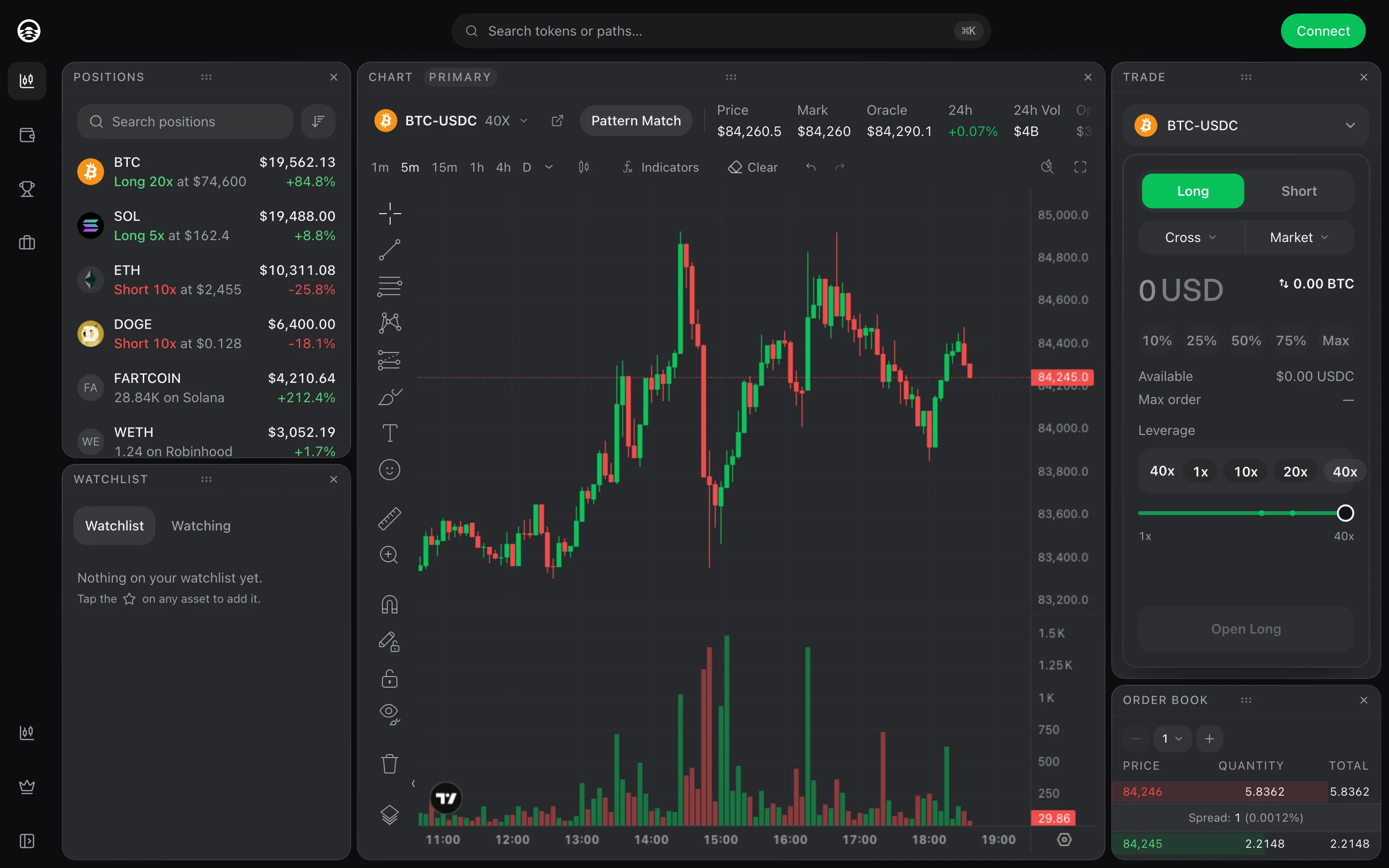
From idea to outcome, faster
Paths are plugins that extend what your agent can do: a skill, a live signal feed, a set of tools, or a full strategy. Install one from the community in a click, or build your own right in the app.
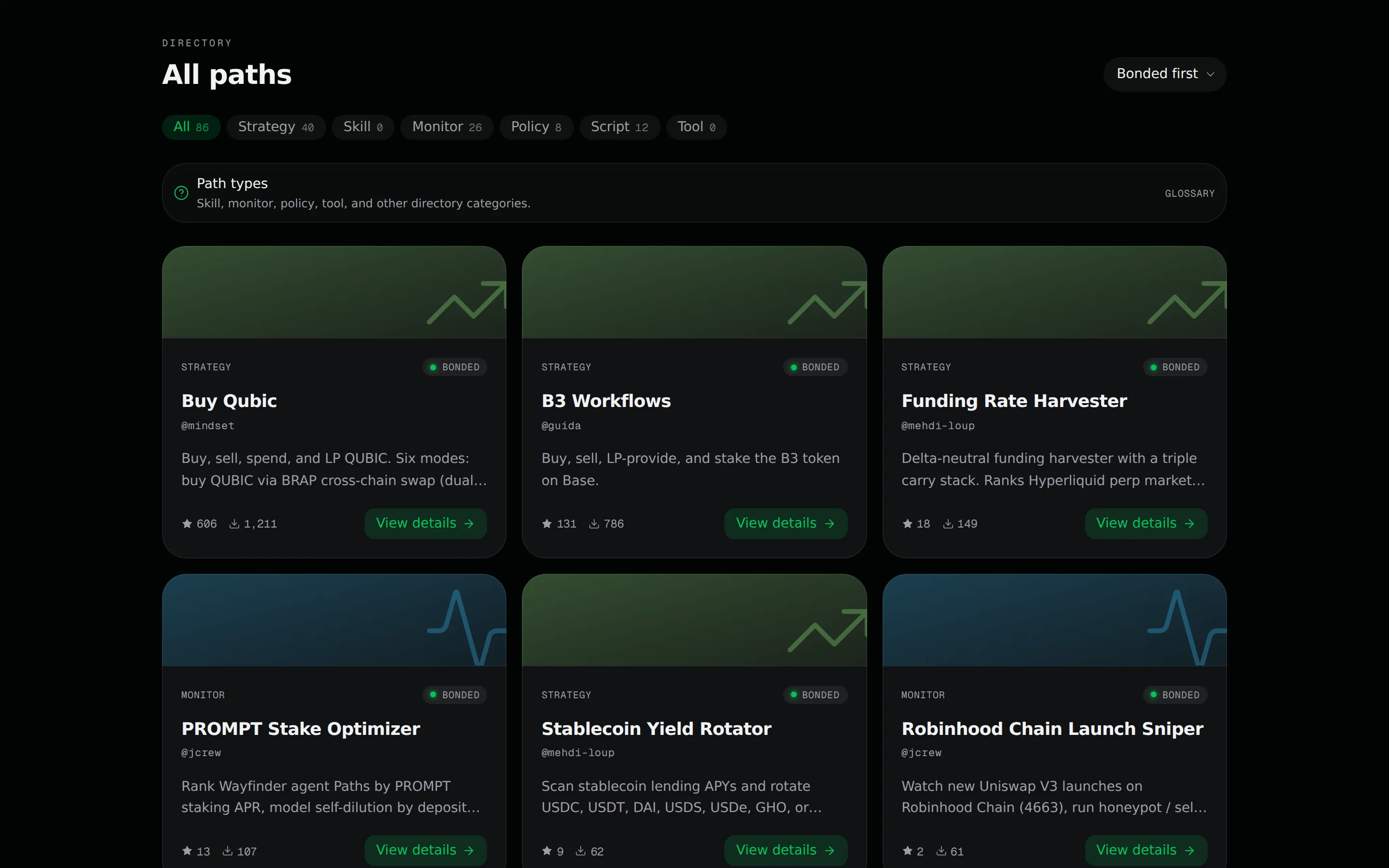
Bring the thesis, or bring the capital
“I know what I want to do. I just can't do it consistently.”
“I'm comfortable onchain and I have capital here. What should I do with it?”
Your agent can text you first
iMessage on iPhone, SMS on Android. Trade and research the way you'd text a friend.
- It texts you firstWhen something you asked it to watch moves.
- Tweets, screenshots and voice memosShare a tweet and it catches you up on the narrative. Send a chart or a voice note and it answers.
- Setup is one text longText it a code and save the contact.
Included with Pro. You approve anything that moves funds.
 Wayfinder
Morning. HYPE funding flipped negative overnight and open interest is climbing. Want a long?
$250 at 3x. where would you put the stop
Stop at $78, under last week's low. Take profit at $92, before the Thursday unlock.
do it
Done. Long HYPE, $250 at 3x from $83.10. Stop $78, take profit $92. I'll text you if either gets close.
The token behind every Path
Creators bond $PROMPT to publish a Path, and holders stake it behind the Paths they trust. Both earn attractive $PROMPT rewards as those Paths get used, to restake or spend on Pro and AI credits. Bonds behind malicious Paths can be slashed.
Start free, go Pro when your agent should never sleep
Need more AI credits? Top up in $5 packs, by card, USDC or $PROMPT. See pricing →
Questions, answered
What is Wayfinder?
Wayfinder is a non-custodial AI trading agent, a quant in your pocket. It researches, monitors, and trades across Hyperliquid perps, Polymarket, and spot on 14 chains, and keeps working on a schedule when you close the tab.
Why not just ask a chatbot?
Chat assistants can talk about a trade, but their built-in agents won't place one for you. OpenAI trains ChatGPT agent to refuse high-stakes financial tasks, and Claude in Chrome is barred from trading and investment transactions, with crypto exchanges blocked by default. Wayfinder comes with the work already done: 26 protocol adapters across 14 chains, 20 data sources for prices, yield, portfolios, routing and news (CoinGecko, DefiLlama, Hyperliquid, Polymarket, LiFi, Etherscan and more), plus RPC and wallet signing. That's what makes onchain trades and strategies simple to set up.
Where can it trade?
Perps on Hyperliquid, prediction markets on Polymarket, and swaps across 14 chains, including Ethereum, Base, Arbitrum, HyperEVM, Robinhood Chain, and Solana. It reaches DeFi through 26 protocol adapters, so your agent can lend, borrow, provide liquidity, or earn yield on protocols like Aave, Morpho, Pendle, Aerodrome, and Moonwell.
Does the agent trade without me?
Only when you set it up to. Ask for a trade and your agent lines up the order with the numbers behind it, and you approve anything that moves funds. Jobs you set up keep running on a schedule, inside the wallet and limits you set.
What does it cost?
Wayfinder is free to start. Free includes trading, research, gut checks, alerts, charts, and backtests, plus $1 a month of AI credits, which pay for the model tokens your agent uses. Wayfinder Pro is $19.17 a month billed yearly ($229.99 billed yearly), or $23.99 monthly: it keeps your agent on 24/7, adds iMessage, and triples your AI credits. Need more credits? Top up in $5 packs by card, USDC, or $PROMPT, which is 10% off.
What is the difference between Simple and Advanced?
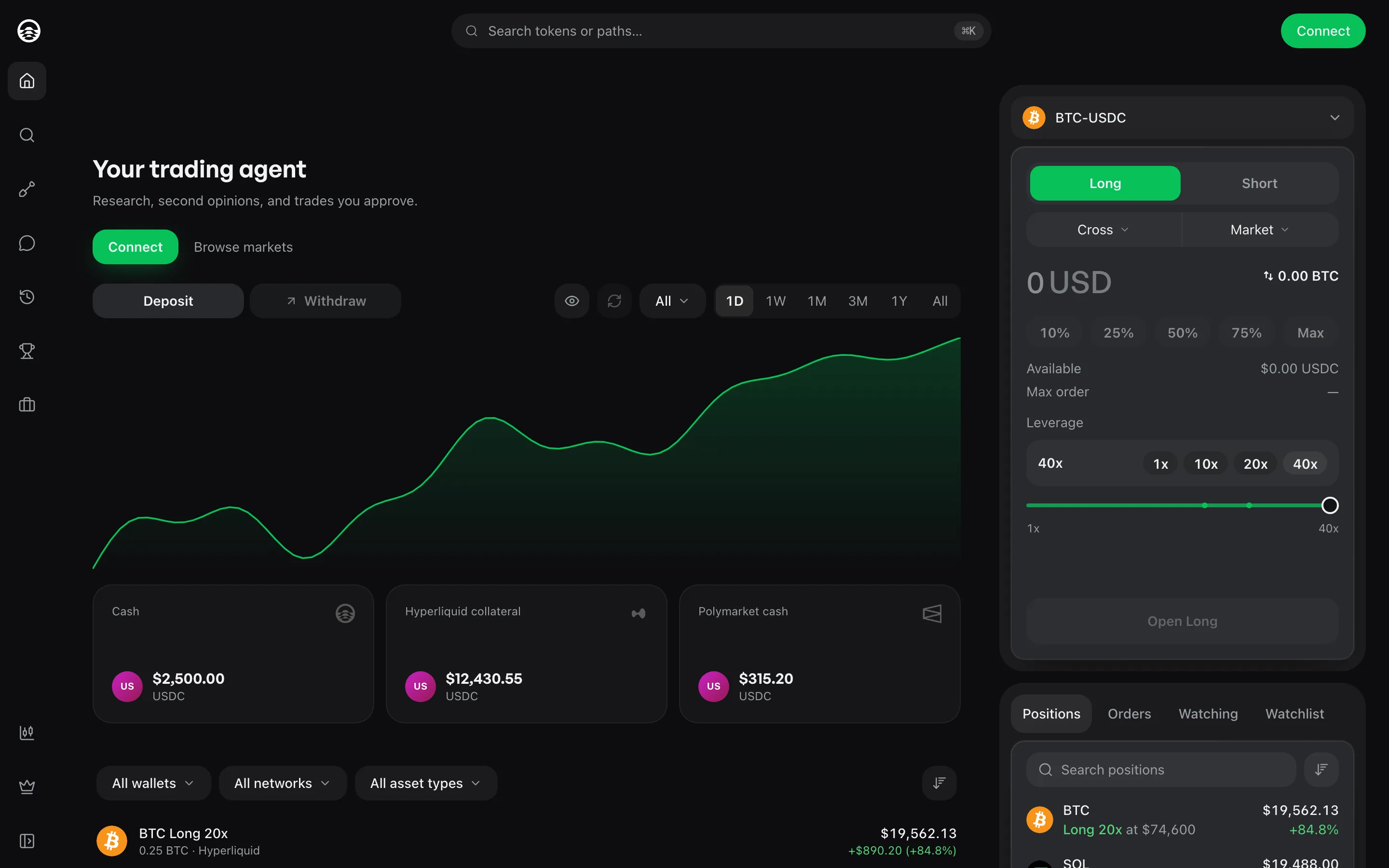
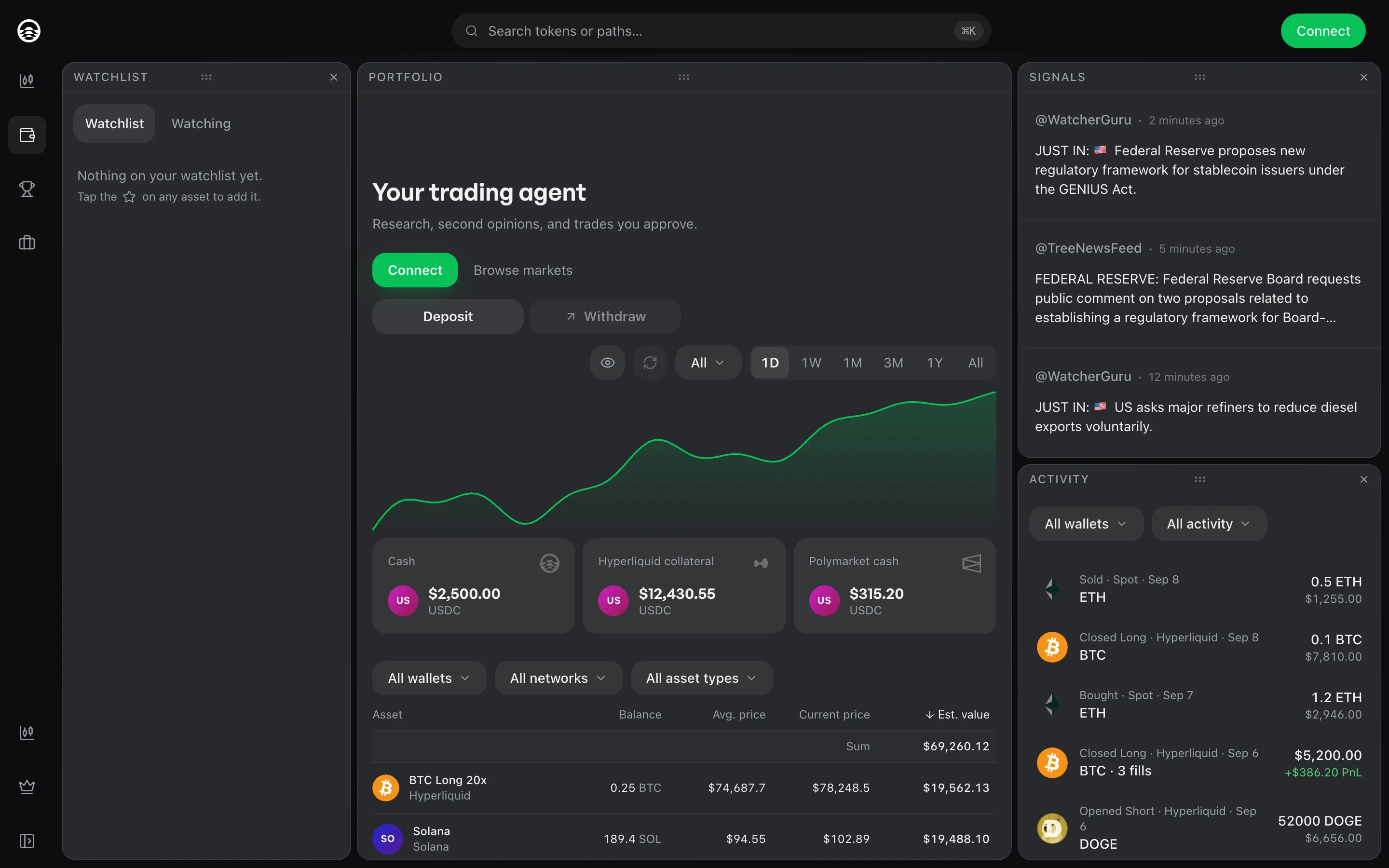
Simple is consumer-grade: your portfolio, a trade ticket, and your agent on one screen, as easy as the crypto exchanges you already use. Advanced is built to be set up your way: arrange charts, tickets, order books, positions, and panels into the workspace that suits how you trade. Both use the same agent and the same wallet, and you can switch any time.
Do I need my own wallet?
No. When you set up your agent you can generate new wallets or import one you already have. Wallets sign remotely, so the agent never holds a private key.
What is $PROMPT used for?
$PROMPT secures the Paths marketplace. Creators bond it to publish a Path, holders stake it behind the Paths they trust, and bonds behind malicious Paths can be slashed. Creators and stakers earn attractive $PROMPT rewards as Paths get used, which they can restake or spend on Pro and AI credits.